
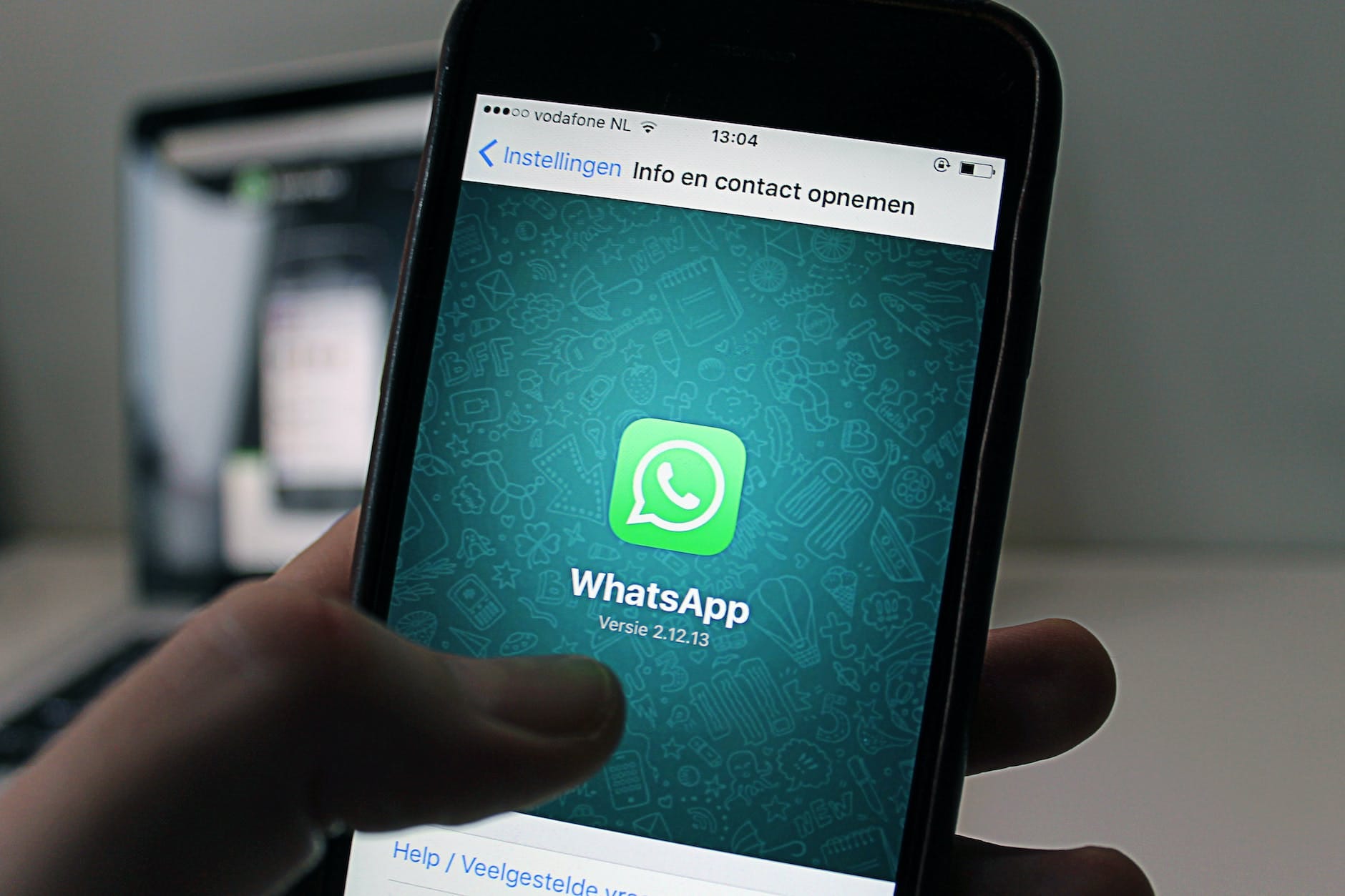
WhatsApp Business is a powerful tool that allows businesses to connect with their customers in a more efficient and convenient way. With over 2 billion users worldwide, WhatsApp is one of the most popular messaging apps, making it an ideal platform for businesses to reach their target audience. The WhatsApp Business website provides businesses with a range of features and tools to enhance their customer service, marketing, and overall business growth.
Key Takeaways
- WhatsApp Business is a website designed for businesses to communicate with customers through the messaging app.
- Setting up a WhatsApp Business account requires a separate phone number and verification process.
- Creating a business profile on WhatsApp allows businesses to provide important information to customers, such as hours of operation and website links.
- Using WhatsApp Business for customer service can improve response times and provide a more personalized experience for customers.
- Integrating WhatsApp Business with your website can make it easier for customers to contact your business and improve overall communication.
Setting up a WhatsApp Business Account
Setting up a WhatsApp Business account is a simple process that can be done in just a few steps. First, you need to download the WhatsApp Business app from the Google Play Store or Apple App Store. Once downloaded, open the app and follow the on-screen instructions to verify your phone number. You will then be prompted to enter your business name and choose a profile picture for your account.
To set up a WhatsApp Business account, you will need to meet certain requirements. First, you must have a verified phone number that is not already associated with another WhatsApp account. Second, you must have a smartphone that is compatible with the WhatsApp Business app. Finally, you must agree to the terms and conditions set by WhatsApp.
Creating a Business Profile on WhatsApp
Creating a business profile on WhatsApp is essential for providing your customers with important information about your business. To create a business profile, go to the settings menu in the WhatsApp Business app and select “Business Settings.” From there, you can add details such as your business address, website, email address, and business hours.
When creating your business profile on WhatsApp, it’s important to optimize it for maximum visibility and engagement. Use high-quality images for your profile picture and cover photo to make a good first impression. Write a compelling description of your business that highlights its unique selling points and benefits. Make sure to include keywords that are relevant to your industry to improve your searchability on the platform.
Using WhatsApp Business for Customer Service
| Metrics | Values |
|---|---|
| Number of messages sent | 10,000 |
| Number of messages received | 8,000 |
| Average response time | 30 minutes |
| Number of resolved issues | 6,000 |
| Customer satisfaction rate | 90% |
WhatsApp Business is an excellent tool for providing customer service to your clients. With its instant messaging capabilities, you can respond to customer inquiries and resolve issues in real-time. To use WhatsApp Business for customer service, make sure to enable the “Quick Replies” feature in the settings menu. This feature allows you to create pre-written responses to common customer queries, saving you time and effort.
When using WhatsApp Business for customer service, it’s important to follow best practices to ensure a positive customer experience. Respond to customer inquiries promptly and professionally, addressing their concerns in a friendly and helpful manner. Use emojis and other visual elements to add a personal touch to your messages. Finally, make sure to keep track of customer interactions and follow up with any unresolved issues.
Integrating WhatsApp Business with Your Website
Integrating WhatsApp Business with your website can greatly enhance your customer engagement and conversion rates. By adding a WhatsApp button or widget to your website, you allow visitors to easily contact you directly through the messaging app. To integrate WhatsApp Business with your website, you can use plugins or widgets provided by WhatsApp or third-party providers.
The benefits of integrating WhatsApp Business with your website are numerous. First, it provides a seamless and convenient way for customers to reach out to you, increasing the likelihood of conversions. Second, it allows you to provide real-time support and assistance to website visitors, improving their overall experience. Finally, it enables you to track and analyze customer interactions on your website, providing valuable insights for business growth.
Creating and Managing WhatsApp Business Groups

WhatsApp Business groups are a great way to engage with your customers and build a community around your brand. To create a WhatsApp Business group, go to the “Chats” tab in the app and select “New Group.” From there, you can add participants by selecting their names from your contacts list or by sharing a group invite link.
When creating and managing WhatsApp Business groups, it’s important to follow best practices to ensure a positive and engaging experience for all members. Set clear guidelines and rules for the group to maintain a respectful and professional environment. Encourage active participation by sharing valuable content, asking questions, and soliciting feedback from group members. Finally, monitor the group closely to ensure that discussions remain on-topic and that any issues or conflicts are addressed promptly.
Using WhatsApp Business for Marketing and Promotion
WhatsApp Business offers a range of features that can be leveraged for marketing and promotion purposes. One of the most effective ways to use WhatsApp Business for marketing is by sending out broadcast messages to your customers. These messages can be used to share updates, promotions, and other relevant information about your business.
When using WhatsApp Business for marketing and promotion, it’s important to follow best practices to avoid spamming your customers. Make sure to obtain consent from your customers before sending them promotional messages. Personalize your messages by addressing recipients by their names and tailoring the content to their specific interests and preferences. Finally, track the performance of your marketing campaigns using WhatsApp Business analytics to identify areas for improvement.
Leveraging WhatsApp Business Analytics for Business Growth
WhatsApp Business analytics provides valuable insights into the performance of your business on the platform. By tracking key metrics such as message open rates, response times, and customer engagement, you can identify areas for improvement and optimize your business strategy. To access WhatsApp Business analytics, go to the settings menu in the app and select “Business Tools.”
When leveraging WhatsApp Business analytics for business growth, it’s important to focus on the metrics that are most relevant to your goals. For example, if your main objective is to improve customer service, you should pay close attention to response times and customer satisfaction ratings. If your goal is to increase conversions, you should track message open rates and click-through rates. Use these insights to make data-driven decisions and continuously improve your business performance.
Best Practices for Using WhatsApp Business
To maximize the benefits of WhatsApp Business, it’s important to follow best practices and implement effective strategies. First, make sure to respond to customer inquiries promptly and professionally, providing helpful and accurate information. Second, personalize your messages and interactions to make customers feel valued and appreciated. Third, use automation tools such as chatbots to streamline your customer service processes and improve efficiency.
The Future of WhatsApp Business for Your Business
In conclusion, WhatsApp Business offers a range of features and tools that can greatly benefit businesses of all sizes. From customer service to marketing and promotion, WhatsApp Business provides a convenient and efficient way to connect with your target audience. As the platform continues to evolve and introduce new features, the future of WhatsApp Business looks promising for businesses looking to enhance their online presence and drive growth. By following best practices and implementing effective strategies, businesses can leverage the power of WhatsApp Business to achieve their goals and stay ahead of the competition.
FAQs
What is WhatsApp Business Website?
WhatsApp Business Website is a platform that allows businesses to create a profile and interact with their customers through WhatsApp. It provides businesses with tools to manage their chats, automate messages, and showcase their products and services.
How can businesses create a WhatsApp Business Website?
Businesses can create a WhatsApp Business Website by visiting the WhatsApp Business website and following the steps to create a profile. They will need to provide their business information, such as their name, description, and contact details.
What are the benefits of using WhatsApp Business Website?
WhatsApp Business Website allows businesses to communicate with their customers in a more efficient and personalized way. It also provides businesses with tools to automate messages, manage their chats, and showcase their products and services. Additionally, it is a free platform that can help businesses reach a wider audience.
Is WhatsApp Business Website free?
Yes, WhatsApp Business Website is a free platform that businesses can use to interact with their customers.
Can businesses use WhatsApp Business Website to send promotional messages?
Yes, businesses can use WhatsApp Business Website to send promotional messages to their customers. However, they need to ensure that they have obtained the necessary consent from their customers before sending any promotional messages.
Can businesses use WhatsApp Business Website to sell products and services?
Yes, businesses can use WhatsApp Business Website to showcase and sell their products and services. They can create a catalog of their products and services and share it with their customers through WhatsApp.
Is WhatsApp Business Website secure?
WhatsApp Business Website uses end-to-end encryption to ensure that all messages sent and received are secure. Additionally, businesses can enable two-factor authentication to add an extra layer of security to their account.



Leave a Reply